
Chore app with photo proof · interactive guide
CanI Photo-Proof Guide
A clear picture of “done.” See how CanI’s AI finds unfinished chores in photo proof, while parents keep the final say.
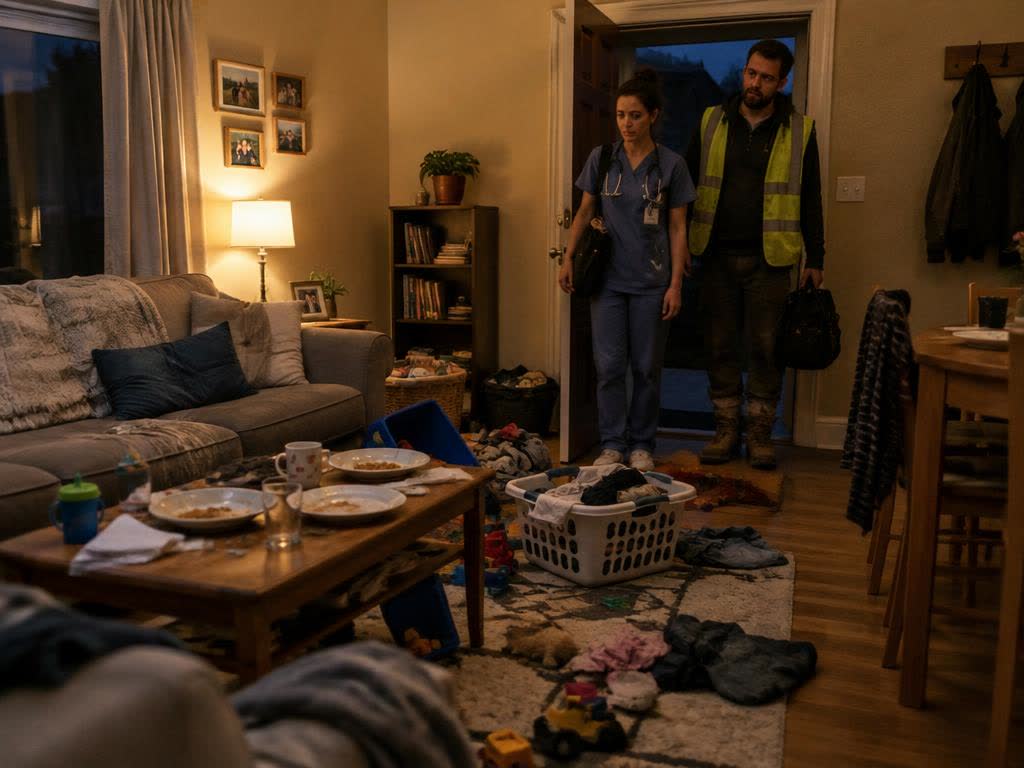
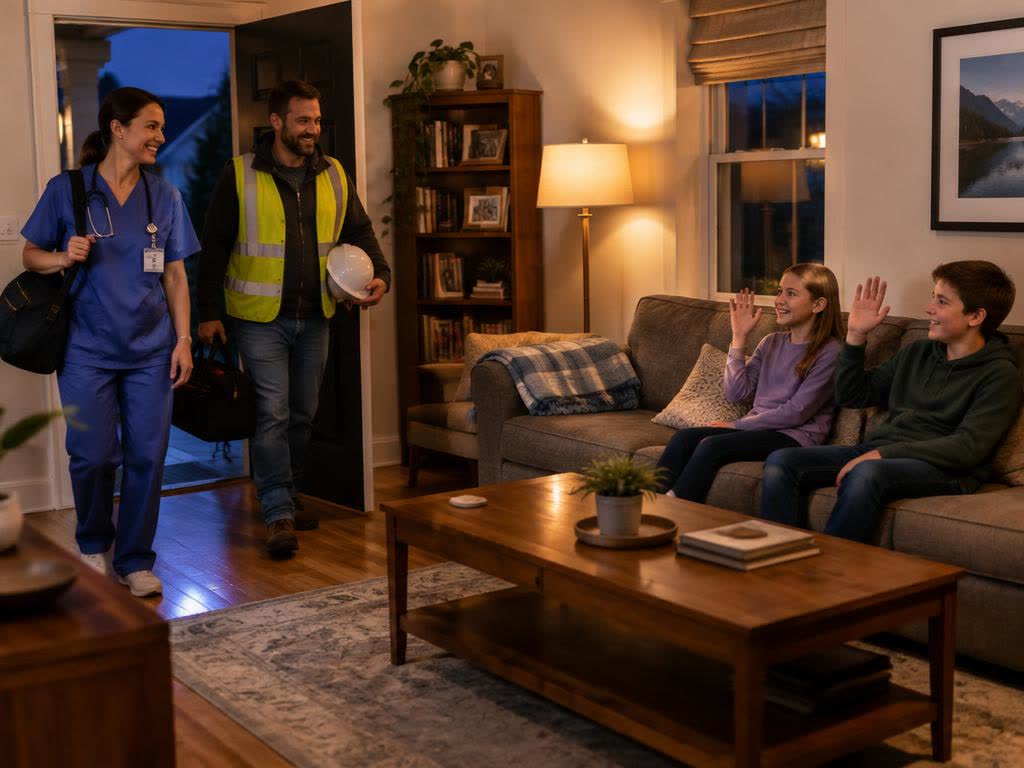
Illustrative images, not real customers. CanI can't promise a spotless home; it makes agreed chores easier to check.
CanI connects everyday requests, household responsibilities and parental permission in one family-friendly app. Parents define what needs doing. Kids complete the chore and send photo proof. The app helps with checking, and parents keep control of every permission decision.
With CanI, expectations become visible.
“Clean your room” means different things to a parent and a kid. A clear chore list, and on Platinum a Golden Photo of what done looks like, gives everyone the same picture before the work starts.
How photo-verified chores work
1. ASK
Your kid asks for a privilege, like screen time or a trip to the park.
2. DO
You attach the chores that go with it, or set up everyday chores.
3. PROVE
Your kid takes a live photo of each finished chore.
4. REVIEW
Free: you check each photo. Platinum/OG: Ghost Camera can verify clear matches; uncertain ones come to you.
5. DECIDE
All chores verified makes the request READY. You give the final yes or no.
The exact steps depend on your plan. Compare Free and Platinum.
Compare real AI findings
Choose a sample room, compare unfinished proof with its Golden Photo, and see the areas CanI’s photo-checking AI identified. Then compare the finished version. These are saved results from actual AI checks, not a new analysis each time you visit.
Real AI results on sample photos. No personal photos or account needed.
- Choose
- Golden Photo
- Compare
- Try again
- Done
Step 1 · Pick a sample room
A Golden Photo shows what finished looks like. CanI uses it as a visual reference so everyone understands the goal before the work begins.
Now try it with your own room: take a Golden Photo and get a real AI grade.
Try Ghost CameraLine up, then check
The camera’s match percentage measures alignment. The AI separately checks what is visibly finished; lining up a messy room does not verify it.
Uncertain means parent review
Different rooms, visible unfinished work, suspected replays and unclear results cannot auto-verify. You can also hold every Ghost photo for your review.
A photo has limits
AI can miss details. A tidy-looking photo cannot prove hygiene, safety or who did the work. Verified chores make a request READY; only you give permission.
Explore the App Tour
What you'll actually see when you open CanI, screen by screen. Tap the numbers to learn what each button does.
Real screenshots from the app, taken with a test family using fictional names. Pick a screen.
Platinum screens (described, not pictured)
These real features need Platinum or OG access. Our test family is on Free, so they are described instead of shown.
Golden Photo setup
On a request card or the “Yes, if…” screen, a Platinum parent taps Add Golden Photo (or Retake Golden Photo) and takes it with the live camera. On the Photos screen, “Verified + save as Golden Photo” turns a kid's good proof into the Golden Photo.
Ghost Camera
The Golden Photo shows faded over the live camera with an overlay strength slider and a match score (for example “Match 58% / need 60%”). When it holds a match it locks on, then a server check compares the photos. Clear matches are verified by themselves; others go to the parent.
Ghost settings
On the Family page: Test Ghost Camera, a strictness choice (Easy 50%, Normal 60%, Strict 70%) for the whole family, and “Check Ghost photos first” if you want to review every Ghost photo before approval. On a request, “Ghost approves itself” can be turned off.
Everyday chores
Repeating jobs like dishes, trash or feeding the dog: one time, daily, weekly or monthly, with an optional reward note, Pause, edit, delete and “Keep Golden Photo each time.” The next one appears after the current one is approved. Kids only see jobs a parent added.
One day with CanI
A fictional family: Jess is a nurse, Dan works construction, and Maya is 11. Same chore, seen from each side.
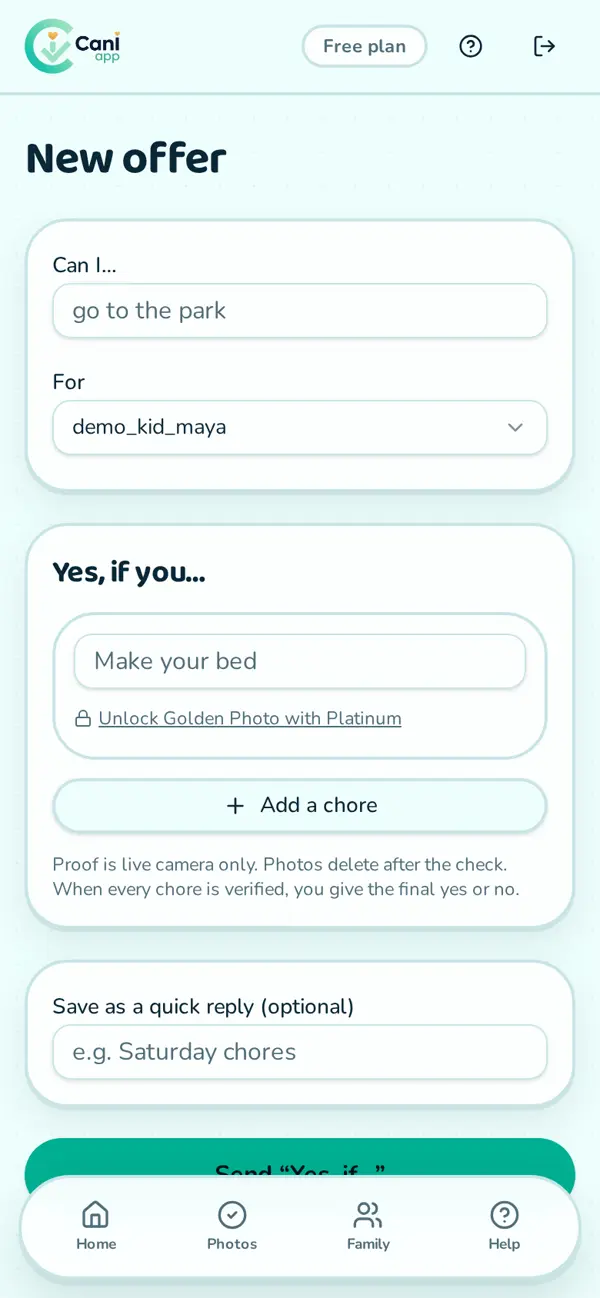
6:00 am · Before the shift · Parent view
Jess, a nurse, is out the door early. She sends Maya an offer: screen time after school, yes if she clears the table and loads the dishwasher.
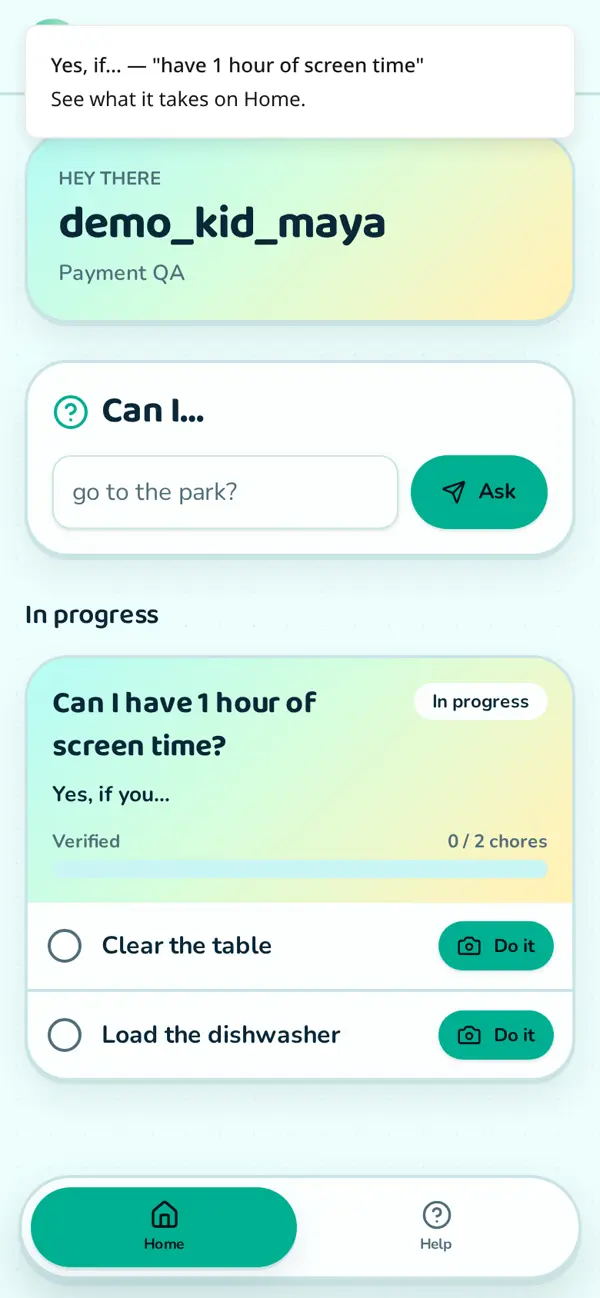
3:30 pm · After school · Kid view
Maya opens CanI and sees exactly which chores are on the list.
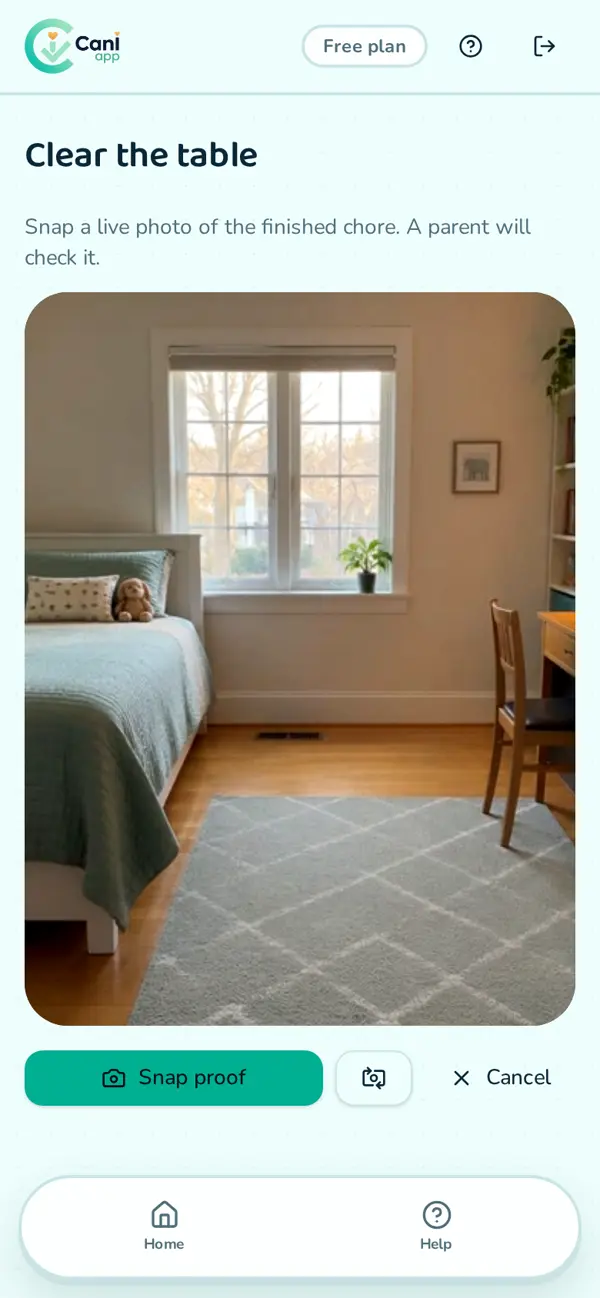
4:10 pm · Chore done · Kid view
She takes a live photo of each finished chore and sends it.
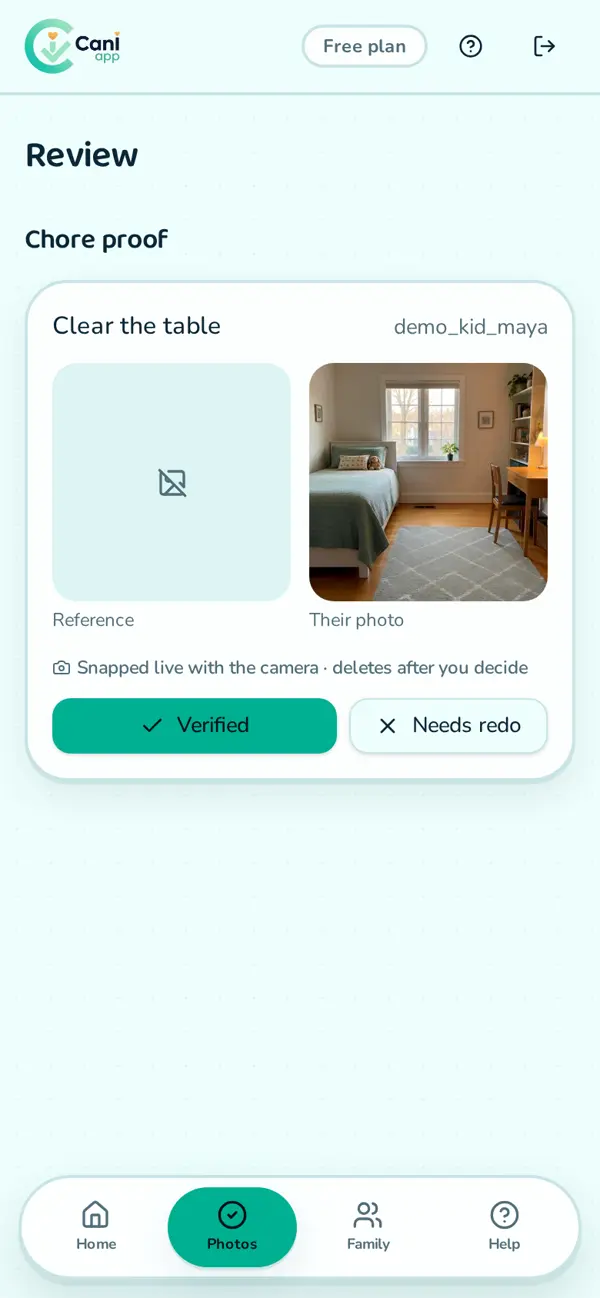
4:45 pm · On a break · Parent view
Dan, on a construction site, has a minute. He checks the photos, marks one verified and sends one back: “Plates are still on the table.”
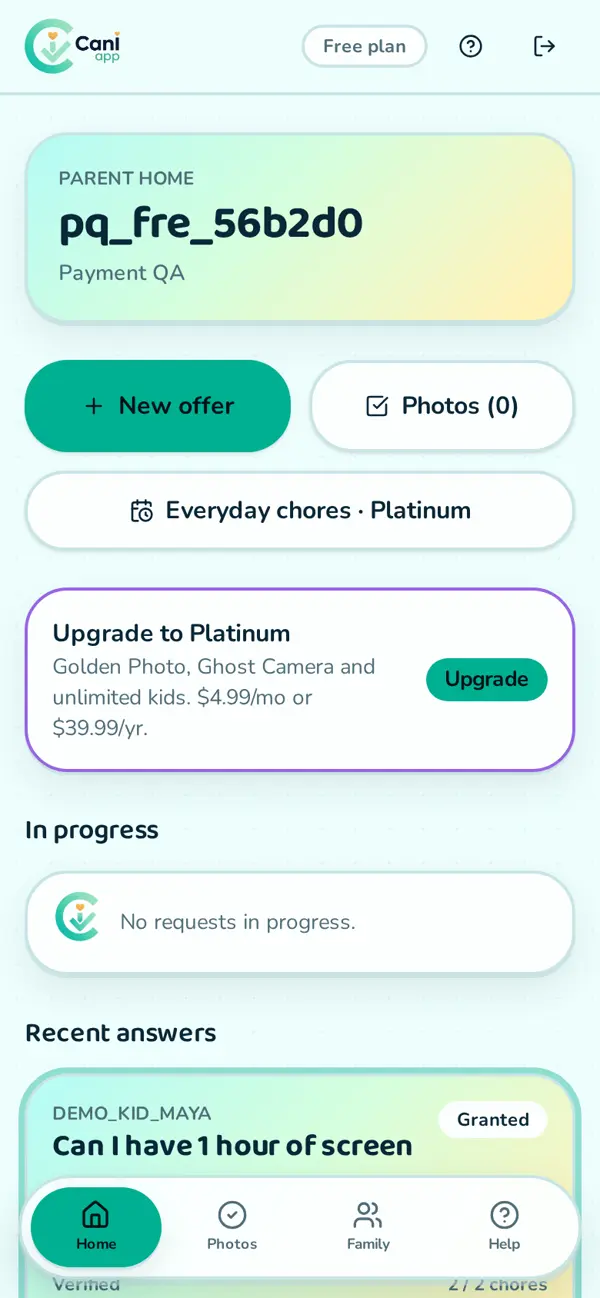
6:30 pm · Back home · Parent view
Everything's verified, so the request is READY. Dan says yes. Nobody had to ask “Did you really do it?” Some days still need reminders, and that's normal.
Clear expectations reduce arguments. Photo proof makes completion easier to check. Parents stay in control.
Feature reference
Every feature, who can use it and which plan it needs.
Get Started With CanI
Platinum
Unlimited kids, Golden Photos, Ghost Camera and everyday chores. $9.99 $3.99/month or $79.99 $39.99/year, cancel anytime.
No email needed. Proof photos are deleted after review. Payments by Stripe.